
The Neuro Workspace for the Collider Delay+Reverb is Better Than Ever!

We’re always refining, improving, and innovating here at Source Audio. On Wednesday, February 25, we released an update to the Neuro App that significantly enhances the user experience for one of our most popular pedals, the Collider Delay+Reverb. The update introduces a beautifully redesigned, more intuitive Collider Preset Editor. Download the updated version of Neuro today to see it in action.
DOWNLOAD NEURO
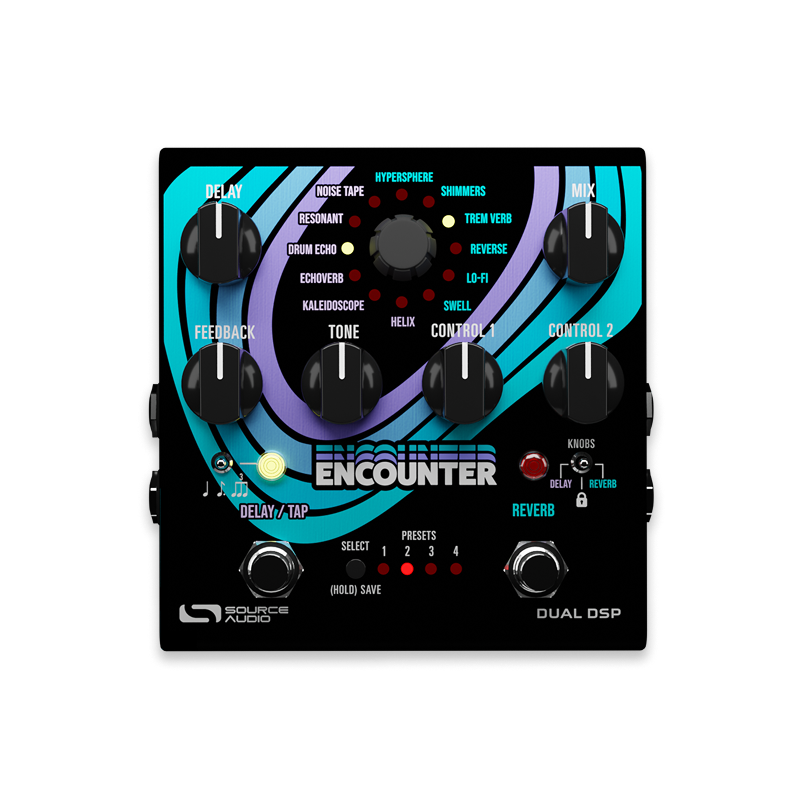
The story of the new Collider preset editor starts at the end of 2025, when we launched the Encounter Ambient Delay+Reverb. Prior to the Encounter's release, we invested considerable time and effort into developing a sleek, more inviting preset creation tool in Neuro. The goal was simple: create a workspace that was visually striking, intuitive, and inspiring. The response from the pedal community was overwhelmingly positive. Users loved the layout and found preset creation easier, faster, and more enjoyable. This enthusiasm inspired us to bring the same design philosophy to the Collider’s Neuro Editor.
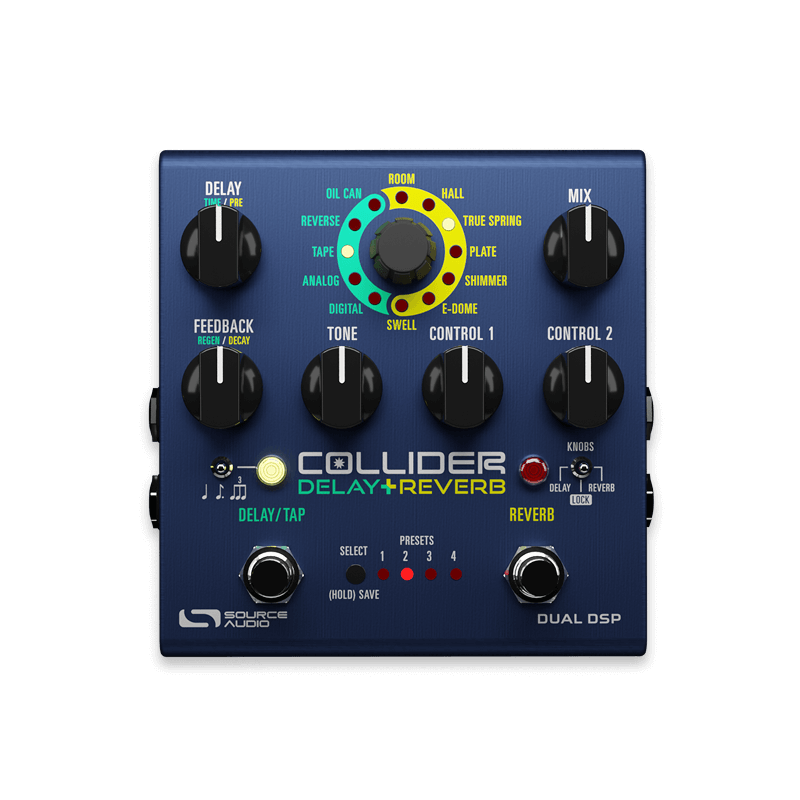
Originally released in 2019, the Collider Delay+Reverb remains one of our most enduring and beloved pedals. At the time, combination delay and reverb pedals were far less common. Especially ones capable of delivering such rich sonic depth and flexibility. Collider is a perfect pedal in many ways–it combines all the working musician's essential reverbs and delays in one compact and easy to navigate pedal. Its ability to mix and match any two-effect combination of tape delay, bucket brigade delay, oil can delay, spring reverb, plate reverb, room reverb, and much more is the perfect solution for guitarists, bassists, and keyboard players of all styles. In an ever-evolving effects landscape, Collider’s continued popularity is a testament to its exceptional sound quality and real-world practicality.
BUY THE COLLIDER DELAY+REVERB
Enthusiasm for Collider clearly extends to the Neuro 3 software. The Neuro Community has published a substantial collection of over 1,000 Collider presets. There is no questions that musicians are actively using Neuro to explore and expand the pedal’s capabilities.
The updated Collider Editor brings a clean, balanced layout and several thoughtful enhancements. The interface roughly reflects the pedal’s physical layout, placing delay controls on the left and reverb controls on the right. If you’d like to change the order of the delay and reverb or run dual delay or dual reverb effects, simply swap the effect, the controls will instantly reconfigure to match.

The new interface also introduces updated Delay and Reverb effect icons for quick visual selection. Just click the icon of your choice and start shaping your sound. And, of course, SoundCheck is always available. Choose any of SoundCheck's unaffected guitar, bass, or keyboard loops and run it through Neuro's perfect replication of the Collider Delay+Reverb and begin building presets immediately. You don’t even need to plug in a guitar or own a Collider to explore the pedal's full range of sounds.
Download or update the free Neuro 3 software today and unlock the full potential of the Collider Delay+Reverb, along with every pedal in the Source Audio lineup.

Pedals in this Article
Leave a comment
This site is protected by hCaptcha and the hCaptcha Privacy Policy and Terms of Service apply.